How to play Sky Lords 3D
The goal
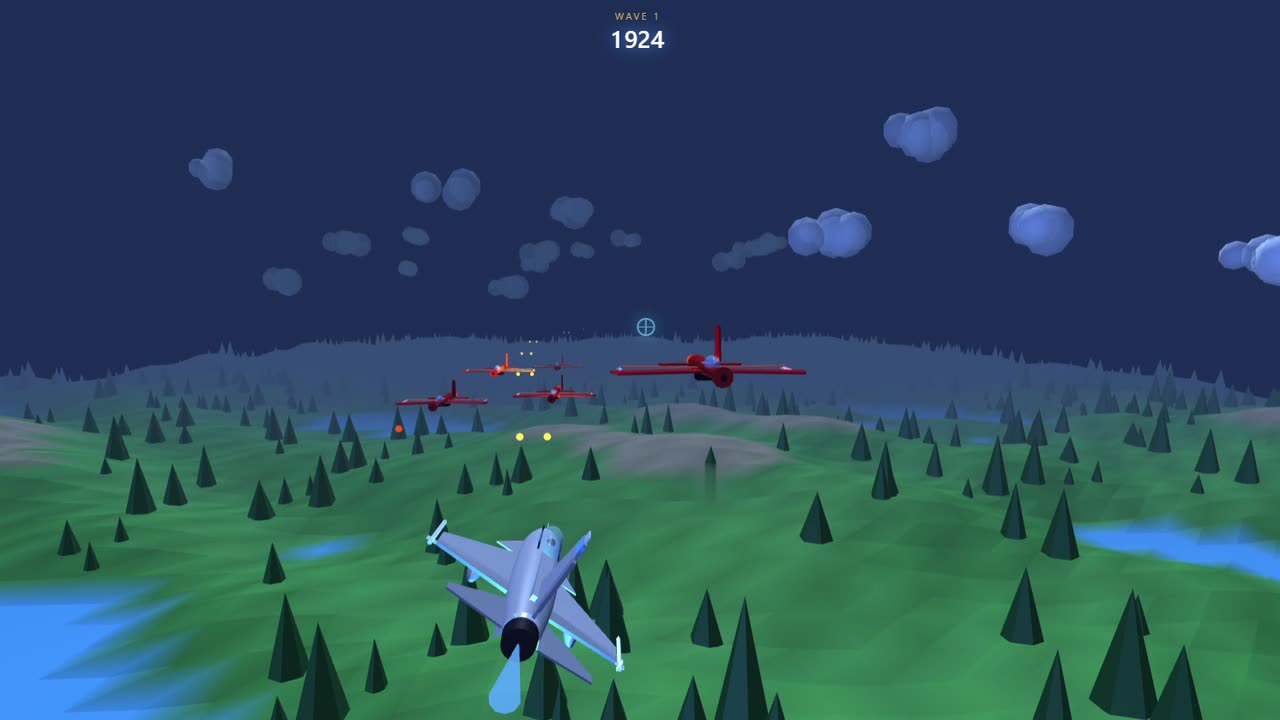
You pilot a fighter jet. Survive as long as you can, shoot down enemy aircraft and defeat the boss that appears at the end of each stage.
Controls
On desktop
- Move: arrow keys or W, A, S, D.
- Fire: space bar (hold it for continuous fire).
- Bomb: B key.
- Hangar: M key, or the Hangar button at the top of the screen.
On mobile and tablet
- Move: joystick at the bottom left.
- Fire: red button at the bottom right.
- Bomb: orange button above the joystick.
- Hangar: plane-shaped button above the fire button.
Click "Play" first so the game receives your keyboard input.
Health, credits and the hangar
You start with 100 health points, three bombs, 1,000 credits and the F-16 Fighting Falcon. Each enemy you shoot down earns points and credits. In the hangar you spend credits on new aircraft and extra bombs (300 credits each), then equip the jet you want before heading back out.
Enemies
Enemies arrive in waves and fire toward you. Watch their paths: most follow a repeating pattern you can learn and dodge with little effort.
Bosses
The bosses are the B-21 Raider, the Tu-160 Blackjack and the SR-72 Darkstar. A boss has 15, 20 or 25 health points depending on the model. Each shot removes 1 and each bomb removes 8. It starts firing a few seconds after it arrives, so use that delay to get into position.
Bombs
Your bombs are limited. Save them for moments when the screen fills with fire, or for a boss when your health is low.
Tips
- Keep moving: a motionless jet is an easy target.
- Don't hug the screen edge: you lose room to maneuver.
- Learn a boss's attacks before trying to beat it quickly.
- Play with sound on: audio cues warn you of some dangers.